
Putting a Form on Your Site
One form per page, via Page Settings
How to actually embed a built form onto a real page visitors can reach.
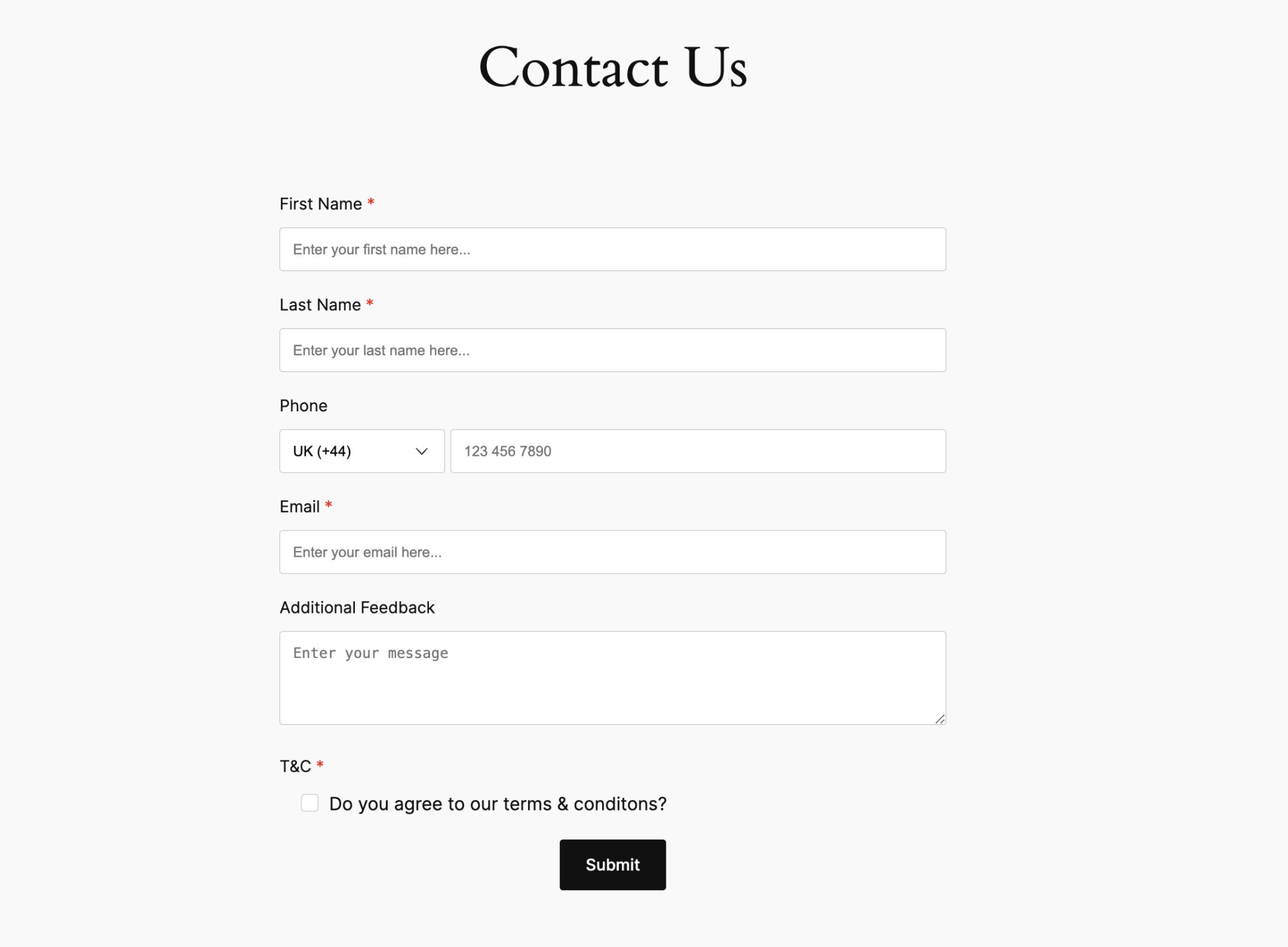
Step by step
- Open the page where the form should live (a Contact page, for example) under Content -> Pages.
- In Page Settings, check This page shows one of your forms.
- Choose Which Form from the dropdown.
- Save the page.
A page shows at most one embedded form. To offer more than one form, embed each on its own page.
Deleting a form that is in use
Your Shop Space blocks deleting a form while it is still embedded on a page, to prevent a page from suddenly showing nothing. Remove it from the page first (uncheck the box in Page Settings), then delete the form.