
Business Hours
Regular weekly hours, plus one-off closures
Publishing your hours, and handling a holiday or special closure.
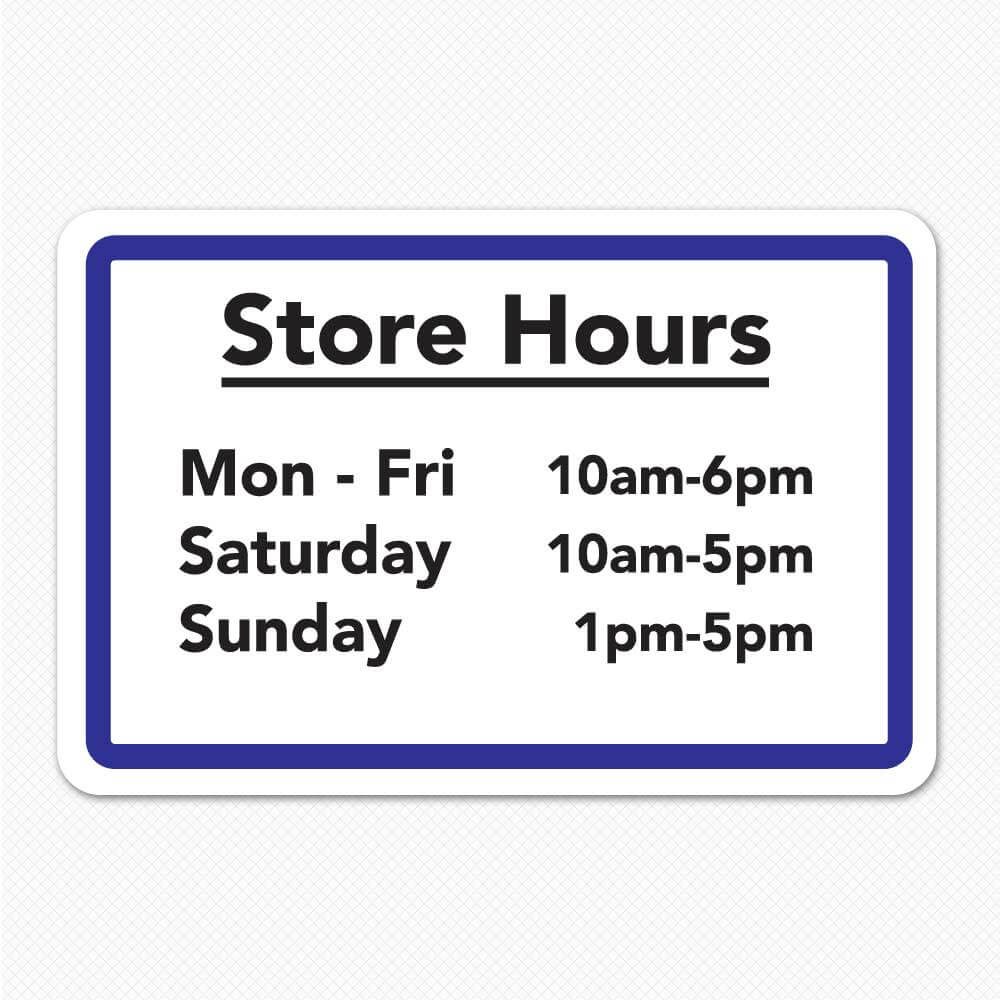
Setting regular hours
- Turn on Business Hours under Configuration -> Features.
- Go to Scheduling & Bookings -> Business Hours and set your regular weekly schedule, day by day.
- A public page appears automatically -- add it to your Website Menu if you want it in navigation.
Special hours and closures
Add a date-specific override for a holiday, a one-off closure, or a special extended day -- it takes over just that date without touching your regular weekly schedule.