
Forms & Messages
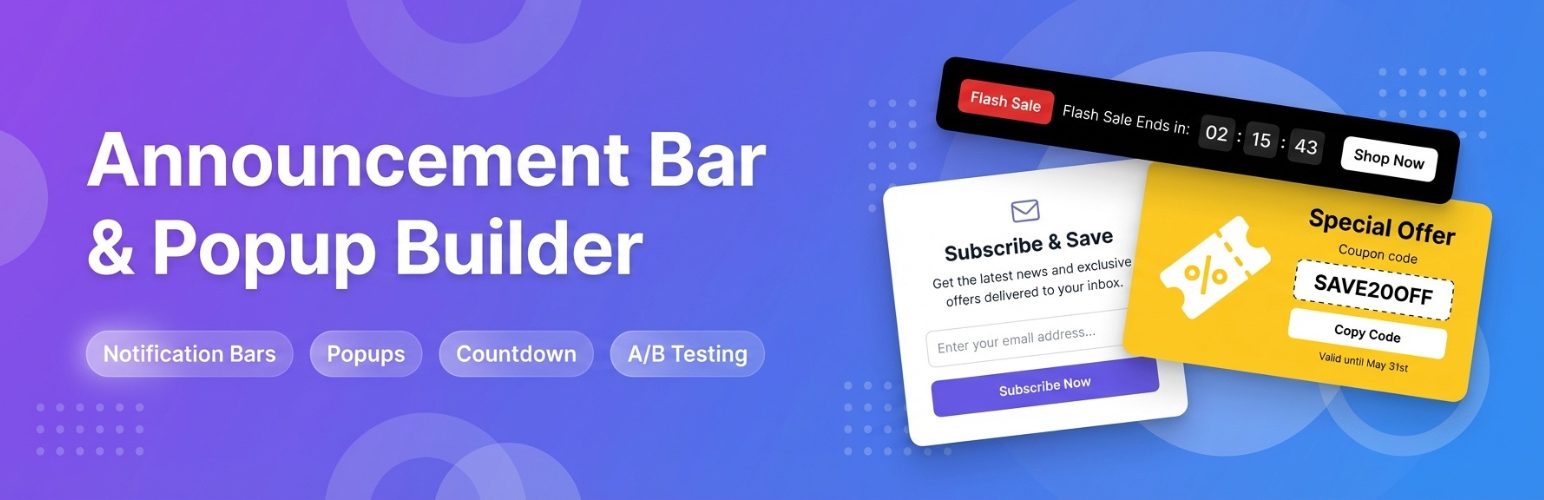 Announcement Bar and Popup
Setting up an announcement -- a top bar, bottom bar, corner badge, or center-page popup.
Announcement Bar and Popup
Setting up an announcement -- a top bar, bottom bar, corner badge, or center-page popup.
 Building a Form
Step by step: creating a new form and choosing field types.
Building a Form
Step by step: creating a new form and choosing field types.
 How Forms and Requests Work Together
Forms builds the form, Requests holds the submissions, Email Settings sends the notification -- how they connect.
How Forms and Requests Work Together
Forms builds the form, Requests holds the submissions, Email Settings sends the notification -- how they connect.
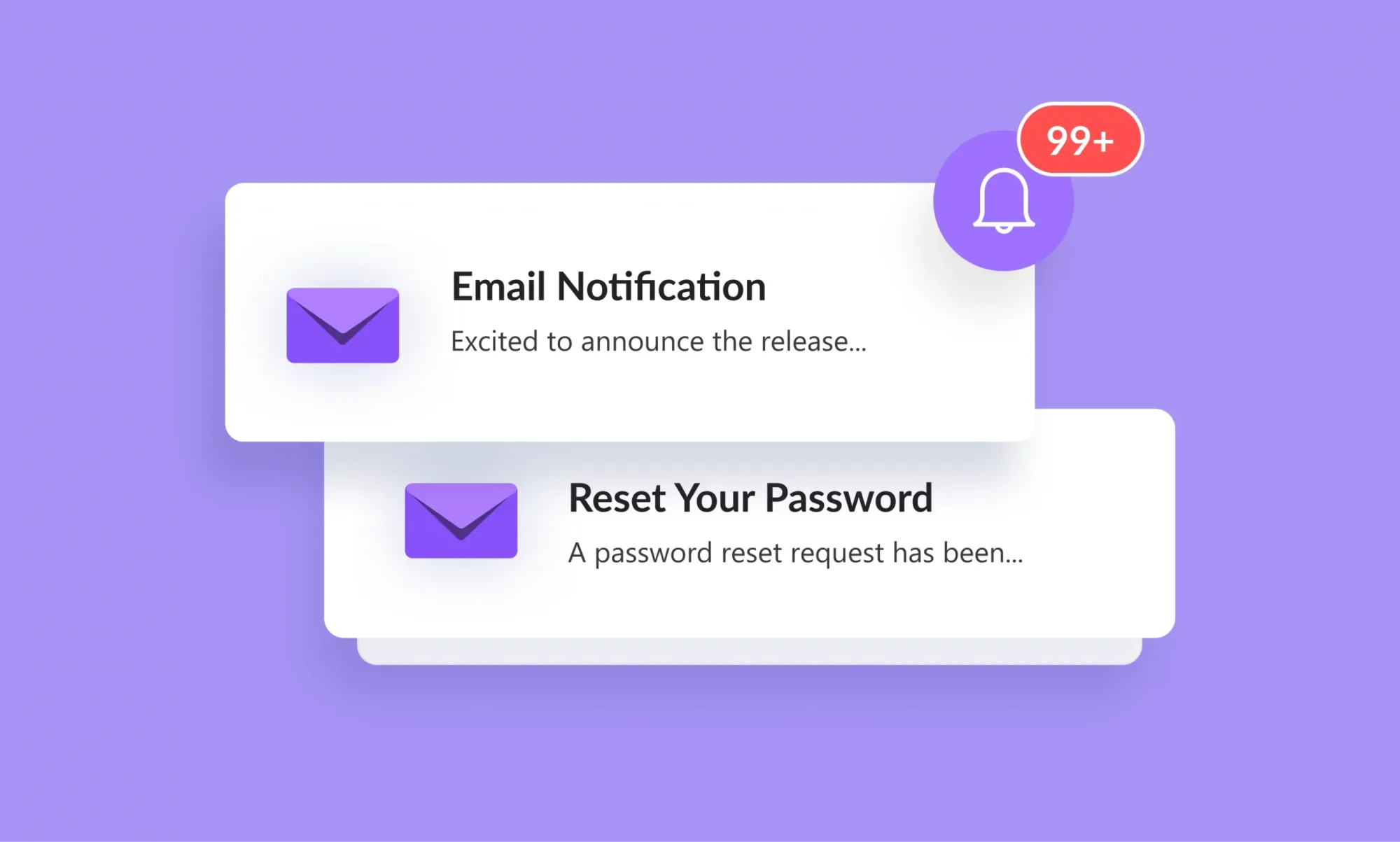 Notifications and Replies
Setting up notification recipients, and how a reply actually reaches the person who submitted.
Notifications and Replies
Setting up notification recipients, and how a reply actually reaches the person who submitted.
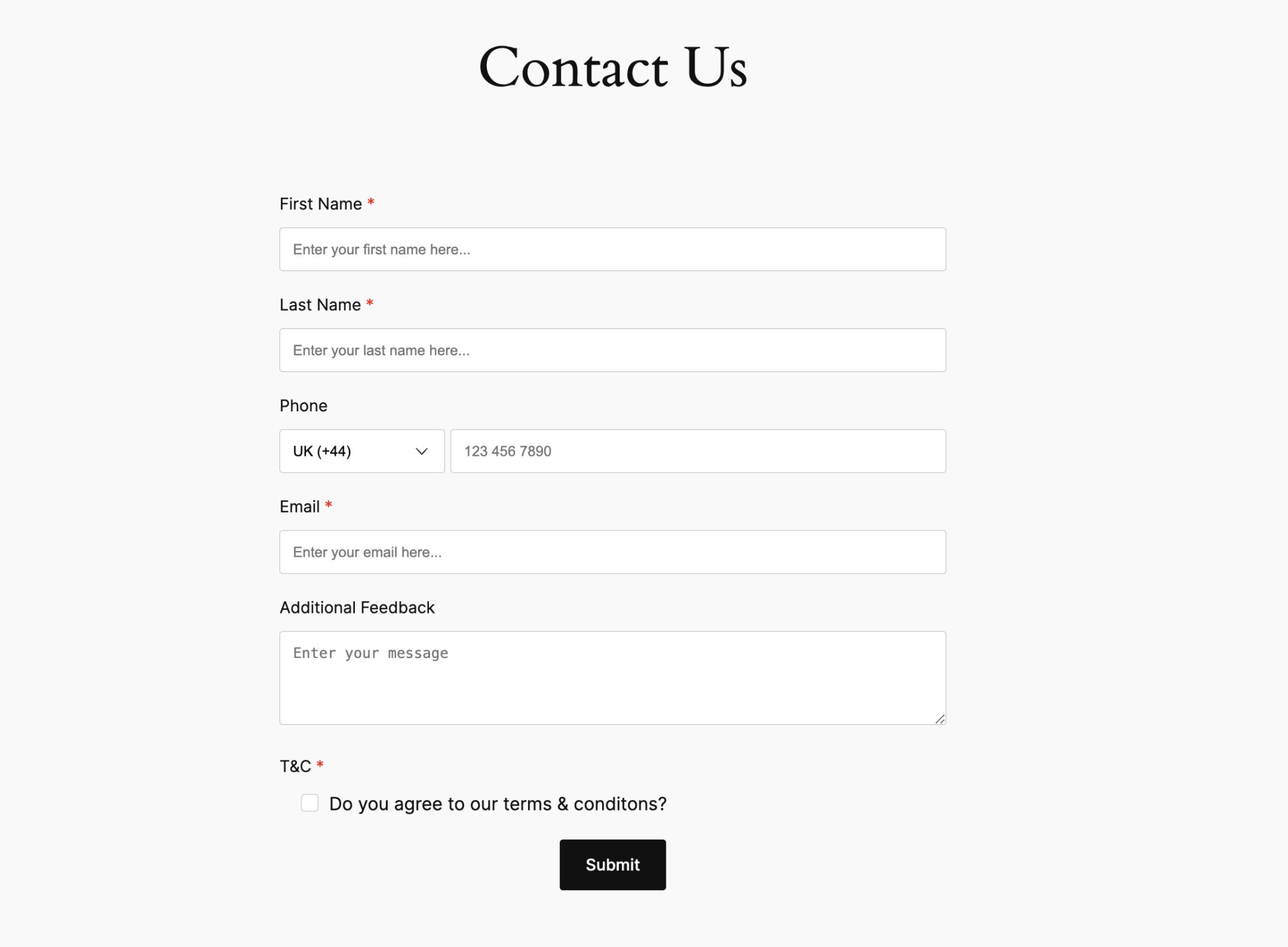 Putting a Form on Your Site
How to actually embed a built form onto a real page visitors can reach.
Putting a Form on Your Site
How to actually embed a built form onto a real page visitors can reach.
 Sending a Newsletter
Turning on newsletter sign-up, adding the block to your site, and how double opt-in works.
Sending a Newsletter
Turning on newsletter sign-up, adding the block to your site, and how double opt-in works.
 Spam and Rate Limiting
The spam and abuse protections built into every form -- nothing to configure.
Spam and Rate Limiting
The spam and abuse protections built into every form -- nothing to configure.
 The Bulk Email Provider
Why an outside email tool is needed for the campaign itself, and what to export.
The Bulk Email Provider
Why an outside email tool is needed for the campaign itself, and what to export.
 The Requests Inbox
Reading, replying to, and organizing submissions in the Requests inbox.
The Requests Inbox
Reading, replying to, and organizing submissions in the Requests inbox.