
Announcement Bar and Popup
One short message, shown site-wide, dismissible once
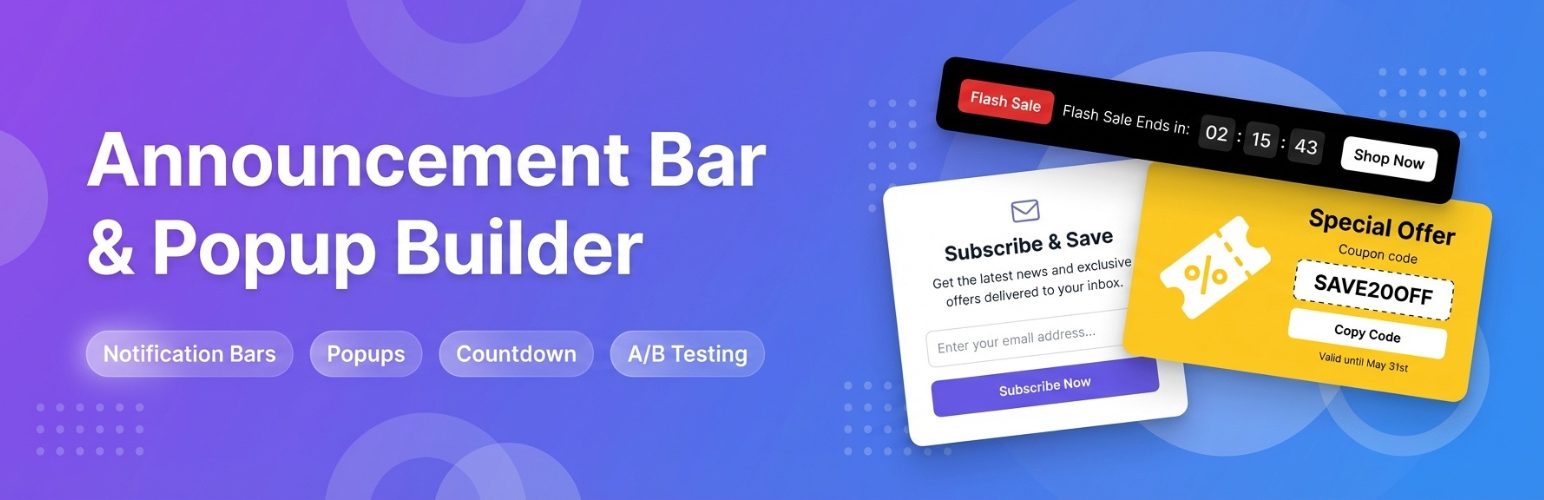
Setting up an announcement -- a top bar, bottom bar, corner badge, or center-page popup.
Setting it up
- Turn on Announcement under Configuration -> Features.
- Go to Communication -> Announcement.
- Write your Message and check Show this announcement.
- Choose a Style: Top Bar, Bottom Bar, Corner Popup, a small starred Corner Badge, or a center-page Modal popup.
- Pick a Theme (color scheme), and optionally a Link, a start/end date window, and specific pages to hide it on.
- Click Save.
Dismiss behavior
A visitor who closes the announcement will not see it again on that device -- this is remembered locally in their own browser, not tracked by you. If you edit the message later, it is treated as new and shows again even to someone who dismissed the old wording, since it is genuinely different content now.
The center-page Modal style is solidly coded to appear at most once per visit even if a visitor never clicks close, so it never becomes an every-page annoyance.