
The Footer
Contact info, links, social icons, and newsletter sign-up
What the Footer Builder controls, section by section.
What you can turn on
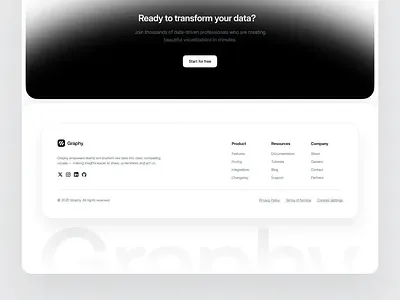
Go to Style & Design -> Footer Builder. Toggle on whichever pieces you want: business info (pulled from Site Information), a link list, Social Links icons, and a Newsletter Sign-up block (only shows once the Newsletter app is turned on). Reorder sections by dragging them.
The Powered By link
Free-plan sites show a small Powered by Your Shop Space link in the footer. Paid plans can turn this off.