
Connecting Your Own Stripe Account
One connection, shared by everything that takes payment
Setting up Payment Settings once so Memberships, Appointments, and paid classes all work.
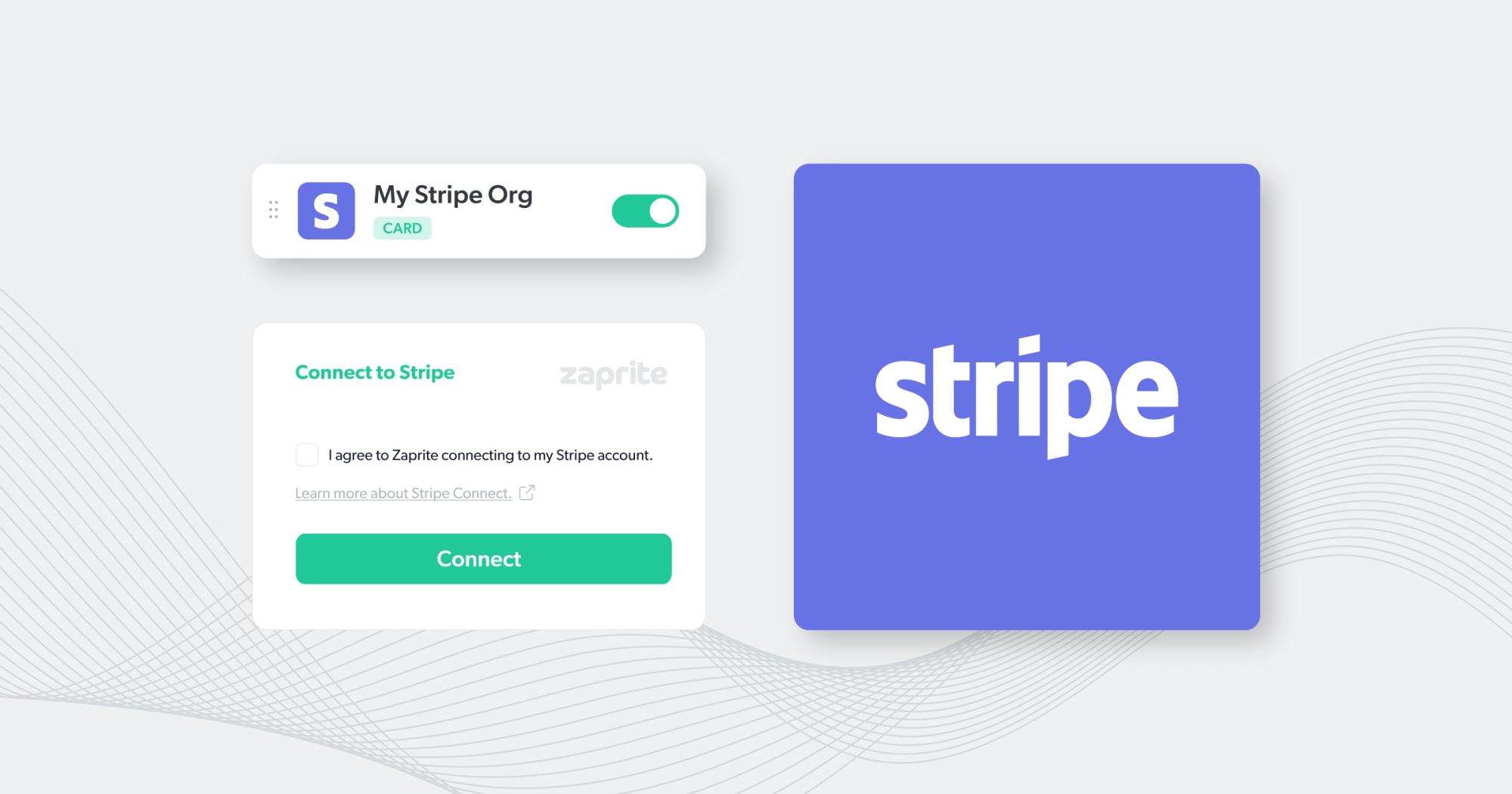
Why this is separate from your Your Shop Space subscription
What you pay Your Shop Space for the platform itself is completely separate from money your own customers pay you. Payments from your customers go through your own Stripe account, directly to you -- Your Shop Space never touches or holds that money.
Step by step
- Go to Configuration -> Payment Settings.
- If you do not already have a Stripe account, create one at stripe.com first.
- Enter your Stripe API keys -- Test mode keys to try things out safely, Live mode keys once you are ready to accept real payments.
- Save. This one connection now powers Memberships, Appointments (if turned on), and any paid Calendar class.
One connection, several tools
If you also use the Ad Server app, note that it uses its own separate Stripe connection for advertiser billing -- that is intentionally different from this one, since it is a different kind of business relationship (you billing advertisers, not customers).