
Pages & Design
 Page Settings, Explained
What Title, Address, Status, and the Advanced Page Options actually control -- and which ones are safe to leave alone.
Page Settings, Explained
What Title, Address, Status, and the Advanced Page Options actually control -- and which ones are safe to leave alone.
 The Hero Section
Eyebrow, heading, text, and button -- what each field in a Hero section does and how to write one that actually works.
The Hero Section
Eyebrow, heading, text, and button -- what each field in a Hero section does and how to write one that actually works.
 Text, Two Column & Image + Text Sections
When to reach for a plain Text block, when Two Column earns its keep, and how Image + Text's layout options actually work.
Text, Two Column & Image + Text Sections
When to reach for a plain Text block, when Two Column earns its keep, and how Image + Text's layout options actually work.
 Cards Sections
Services, values, steps, team highlights -- how the Cards section works, and what makes a good card versus a crowded one.
Cards Sections
Services, values, steps, team highlights -- how the Cards section works, and what makes a good card versus a crowded one.
 Quote & Call to Action Sections
How the Quote and Call to Action sections work, and why they are usually most effective placed right next to each other.
Quote & Call to Action Sections
How the Quote and Call to Action sections work, and why they are usually most effective placed right next to each other.
 Divider and Pricing Comparison Sections
Divider gives a page room to breathe. Pricing Comparison is not something you write -- it is pulled from your actual plan automatically.
Divider and Pricing Comparison Sections
Divider gives a page room to breathe. Pricing Comparison is not something you write -- it is pulled from your actual plan automatically.
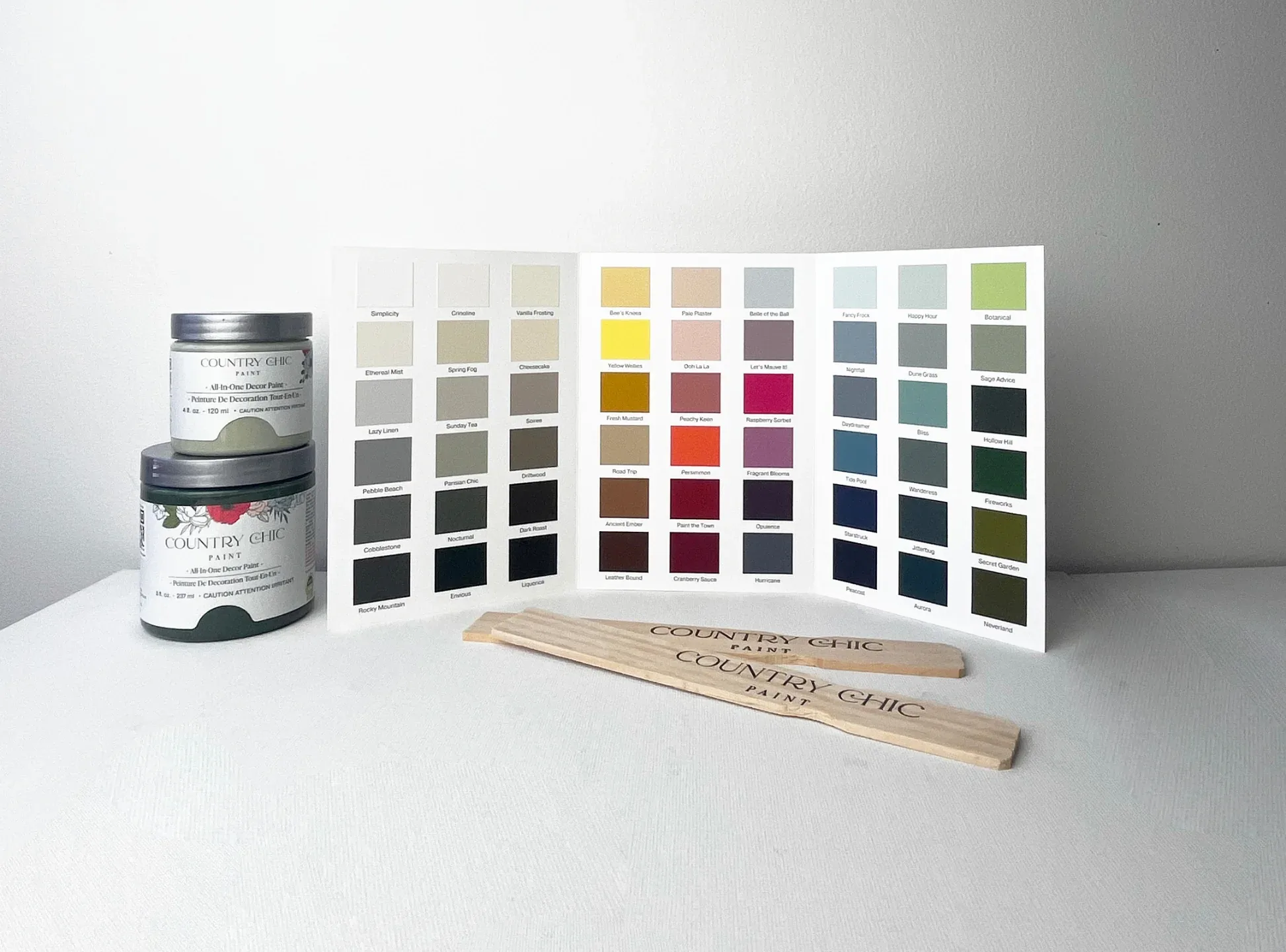 Stock Themes and Navigation Layout
Applying a Stock Theme as a starting point, then choosing how your main menu is arranged, sticky, and searchable.
Stock Themes and Navigation Layout
Applying a Stock Theme as a starting point, then choosing how your main menu is arranged, sticky, and searchable.
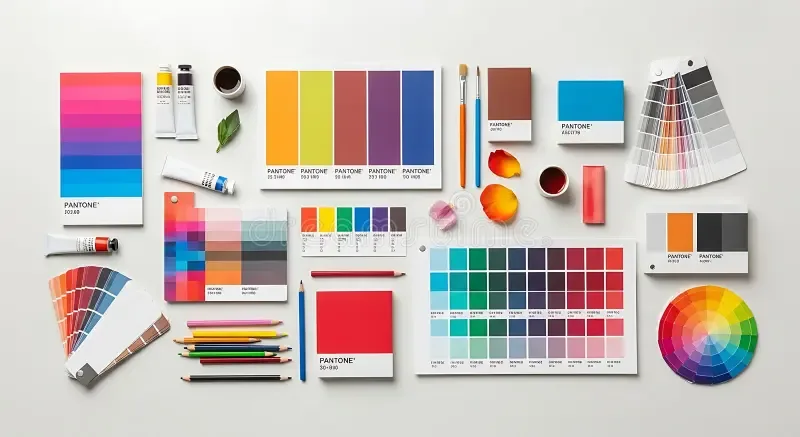 Colors, Fonts & Type Sizes
The Visual Design Settings tabs in depth -- how color and font changes ripple through every section automatically.
Colors, Fonts & Type Sizes
The Visual Design Settings tabs in depth -- how color and font changes ripple through every section automatically.
 Favicon and Custom CSS
Setting your browser-tab icon, and when (rarely) Custom CSS is the right tool instead of the section options above.
Favicon and Custom CSS
Setting your browser-tab icon, and when (rarely) Custom CSS is the right tool instead of the section options above.